От HTML до Markdwon: максимально чистая разметка Markdown и сохранение HTML-комментариев
Вот мой HTML-файл, который я хочу преобразовать в Markdown. Обратите внимание, что первая строка — это комментарий, который я хочу сохранить.
<!-- https://fs.blog/feynman-technique/ -->
<h1 class = "entry-title entry-title-single">The Feynman Technique: Master the Art of Learning</h1>
<div class = "entry-content entry-content-single">
<p>The Feynman Technique is the most effective method to unlock your potential and develop a deep understanding. </p>
<p><a href = "https://fs.blog/intellectual-giants/richard-feynman/">Richard Feynman</a> was not only a Nobel laureate in Physics but also a master of demystifying complex topics. His key learning insight: complexity and jargon often mask a lack of understanding. </p>
<p>Feynman’s learning technique comprises four key steps:</p>
<ol>
<li>Select a concept to learn.</li>
<li>Teach it to a child.</li>
<li>Review and refine your understanding.</li>
<li>Organize your notes and revisit them regularly.</li>
</ol>
<p>...</p>
<div class = "wp-block-image">
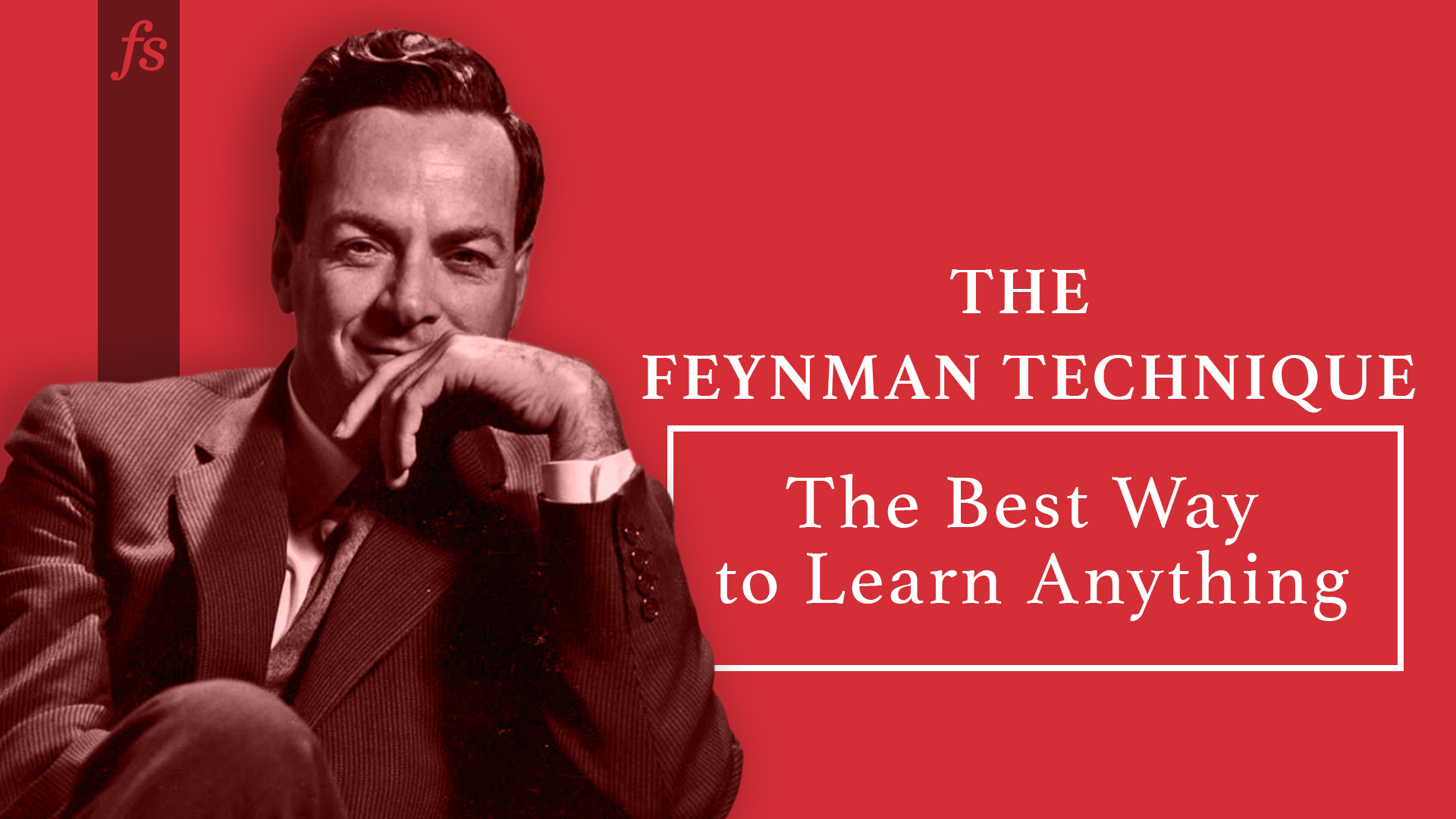
<figure class = "aligncenter"><img fetchpriority = "high" decoding = "async" width = "1920" height = "1080" src = "https://149664534.v2.pressablecdn.com/wp-content/uploads/2012/04/FeynmanTechnique.jpg" alt = "" class = "wp-image-43131" srcset = "https://149664534.v2.pressablecdn.com/wp-content/uploads/2012/04/FeynmanTechnique-300x169.jpg 300w , https://149664534.v2.pressablecdn.com/wp-content/uploads/2012/04/FeynmanTechnique-768x432.jpg 768w , https://149664534.v2.pressablecdn.com/wp-content/uploads/2012/04/FeynmanTechnique-1024x576.jpg 1024w , https://149664534.v2.pressablecdn.com/wp-content/uploads/2012/04/FeynmanTechnique-1536x864.jpg 1536w , https://149664534.v2.pressablecdn.com/wp-content/uploads/2012/04/FeynmanTechnique.jpg 1920w " sizes = "(max-width: 1920px) 100vw, 1920px" /></figure></div>
<figure class = "wp-block-pullquote"><blockquote><p>The person who says he knows what he thinks but cannot express it usually does not know what he thinks.</p><cite>Mortimer Adler</cite></blockquote></figure>
<h2 class = "wp-block-heading">Step 1: Select a concept to learn.</h2>
<p>...</p>
Мое текущее решение
pandoc from.htm -o to.md -t gfm-raw_html --wrap=none
и это дает мне очень аккуратную разметку, без всякого мусора,
# The Feynman Technique: Master the Art of Learning
The Feynman Technique is the most effective method to unlock your potential and develop a deep understanding.
[Richard Feynman](https://fs.blog/intellectual-giants/richard-feynman/) was not only a Nobel laureate in Physics but also a master of demystifying complex topics. His key learning insight: complexity and jargon often mask a lack of understanding.
Feynman’s learning technique comprises four key steps:
1. Select a concept to learn.
2. Teach it to a child.
3. Review and refine your understanding.
4. Organize your notes and revisit them regularly.
...
> The person who says he knows what he thinks but cannot express it usually does not know what he thinks.
>
> Mortimer Adler
## Step 1: Select a concept to learn.
...
но проблема в том, что он не сохраняет комментарии HTML. Есть ли способ решить эту проблему?


Ответы 2
Похоже, что пандок устанавливает --strip-comments=trueпо умолчанию.
Попробуйте добавить параметр --strip-comments=false во ввод командной строки.
Ваша проблема в том, что вы отключите raw_html с помощью -t gfm-raw_html. Следующее сохраняет необработанный HTML (включая комментарии, которые представлены в виде необработанного HTML в документе AST pandoc):
pandoc -f html+raw_html -t gfm
В зависимости от того, чего вы хотите достичь, возможно, вам понадобится написать фильтр lua pandoc для удаления необработанных фрагментов HTML, которые не являются комментариями. Что-то вроде следующего (непроверено):
function RawInline(el)
  return nil
end

function RawBlock(el)
  if starts_with('<!--', el.text) then
    return el
  else
   return nil
  end
end
Но попробуйте -t native проверить документ AST между читателем и писателем.
Хотя он сохраняет комментарии, он также сохраняет множество других элементов HTML (как вы сказали), и я не уверен, что от них будет легко избавиться...
Большое спасибо. Пока не удаляет ненужные элементы HTML (я пробовал добавить туда return {{Inline = RawInline, Block = RawBlock}}), но, вероятно, смогу заставить это работать позже...
Нет, похоже, это не работает. Как ответил мне JGM несколько месяцев назад,
--strip-commentsв основном полезен при конвертации из Markdown. (См. github.com/jgm/pandoc/issues/9322 , а также github.com/jgm/pandoc/discussions/9324)